Save Files Within Applications to SharePoint
Files within Microsoft 365 (M365) applications can be saved to a SharePoint site. First, you’ll need to map your SharePoint documents site before saving from within the application. This works best for documents you are actively working on in Word, Excel, PowerPoint, etc.
If you have not mapped your SharePoint documents site, follow the instructions in this KB article before proceeding with the steps below.
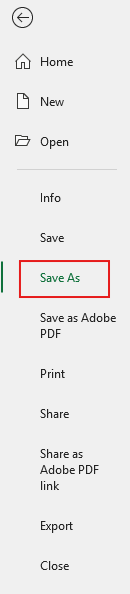
- In your M365 application, go to File > Save As.
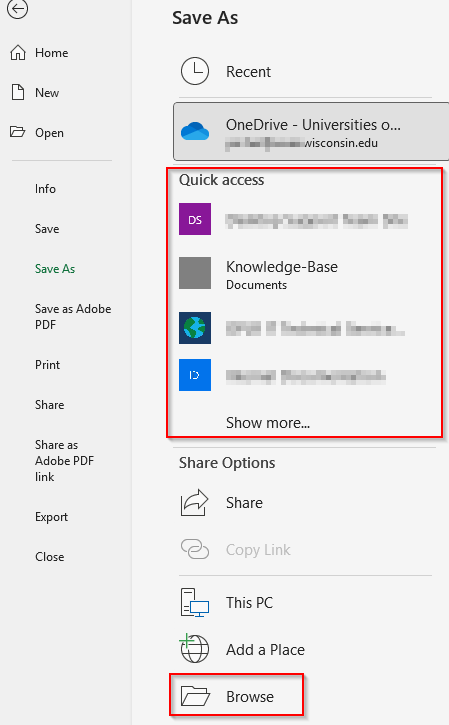
- If your SharePoint Documents library is not listed under the Quick access section, go to Browse to bring up File Explorer.
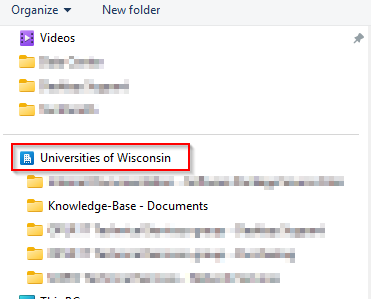
- Scroll down to the Universities of Wisconsin section. Your SharePoint Documents libraries will be listed here. Save to desired folder location.